Images!
Who doesn't love a little funny image to lighten up the mood? Well, thankfully Voices of the Void provides MANY ways to add a funny image of your own!
(except for April 1st! Then it's just all trollfaces...)
I will start with picture frames, they are the most straight forward to setup and envision in your mind.
To add an image, open settings, find the option that says: Open "Assets" folder
Then navigate to:
/paintings
/[type of painting you want to replace] (h for horizontal, s for square, t for table and v for vertical)
and place your image there in png format! Refresh the assets using the corresponding setting and you're done!
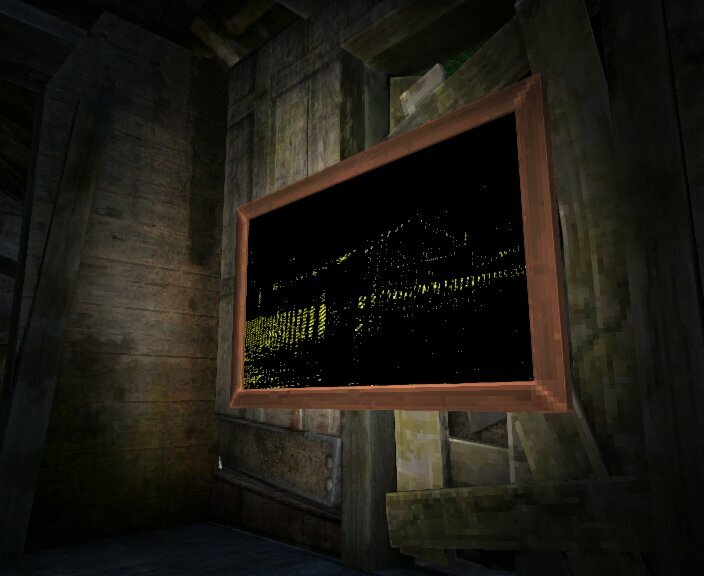
Example of a shack image, placed inside that same shack:
Next up: Posters!
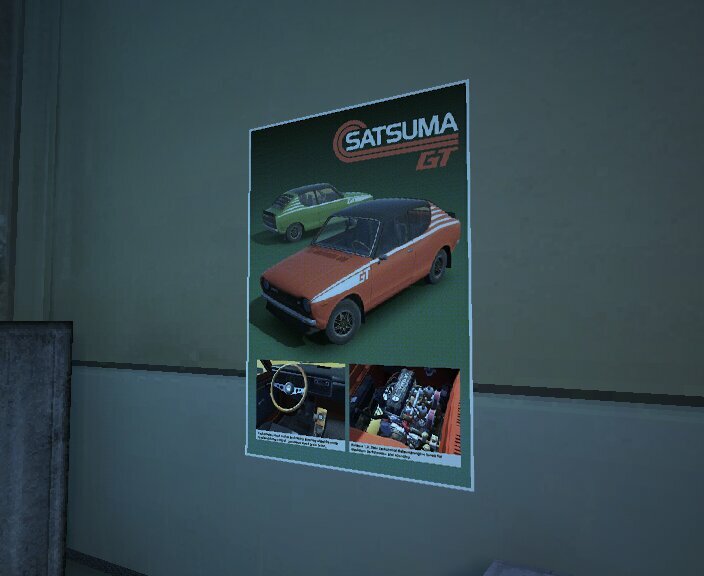
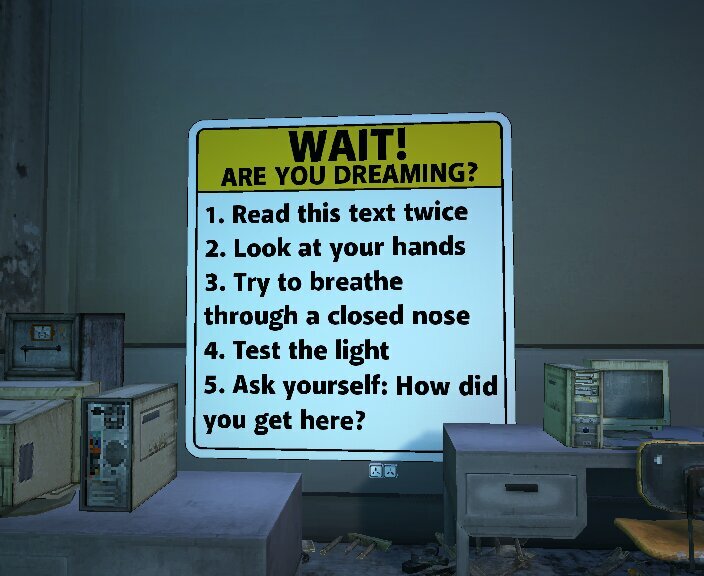
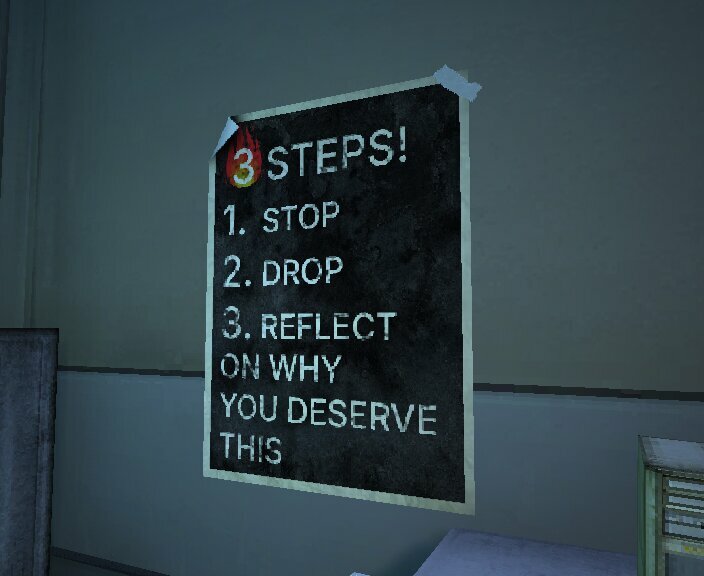
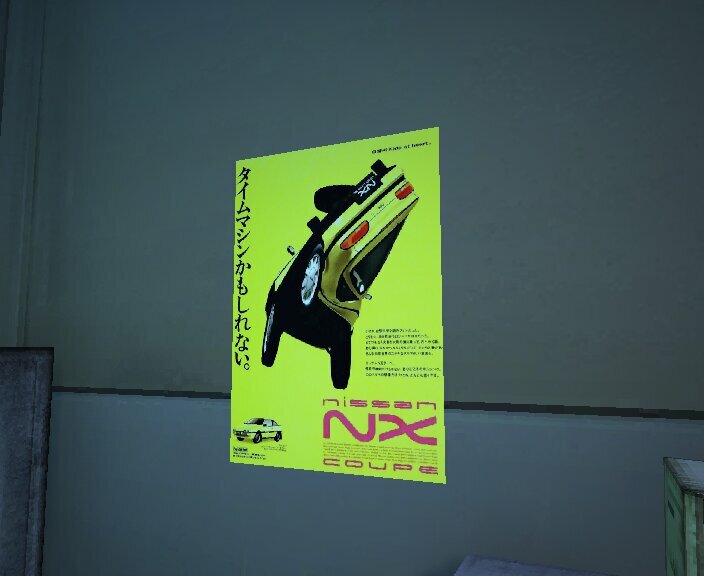
Want a fancy piece of print to cover your walls? Well look no further than posters!
Same process as painting frames, except no need to find the correct type, just drop the png in "posters"
but, there is a quick tip I can give you! When making an image for one, make sure to keep it square and leave some transparent space like so:
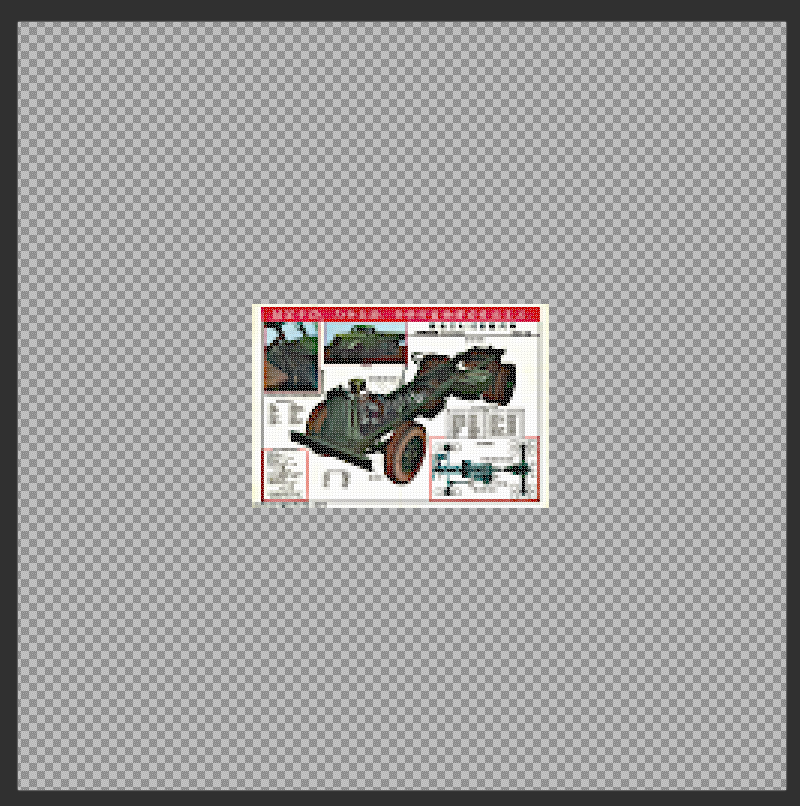
It's to ensure that the image doesnt stretch (because anything but a square gets streched) and looks at least a bit pixelated to fit the game's visuals!
Stickers
Want to put your image anywhere? 
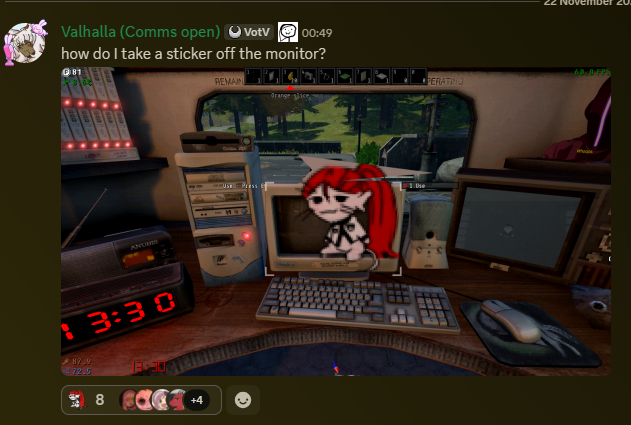
Well, lucky for you, VotV has support of showing PNGs as stickers!
Same process, stickers folder, square images prefered.
And quick note: not only can you even stick them onto 3d printed models (to be covered), the sticker pack you buy to stick them in the first place is infinite!
Flags!
Want to show a image on a piece of flailng cloth? VotV has that aswell! Same process as before but the "flags" folder, and here rectangular images are reccomended. Because it's a flag.

Rugs!
Need something to warm the cold concrete floor in the base? Lucky for you, VotV has that covered aswell! Not only does it have some basic designs in the shop but also a rug that supports custom designs! Same process once again, png images only, "rugs" folder.

ATV Skins!
Now, this is the most complex image asset to make yourself. Becuase it requieres you to wrap a 2d texture onto a 3d object in your mind. The official website has a zip
with all the info nessesary for making your own and setting it up (or how to install someone else's creation!). But if you do make your own skin, the payoff is grand because you will be seeing it in action every time you get on your trusty ATV!


Taking photos! (WIP)
Now to cover the tool I am using to take all of these pictures using a ingame digital (or polaroid) camera!
← Back to the index